
Guide
The 3 Types of UK Share Code Explained: W, R and S
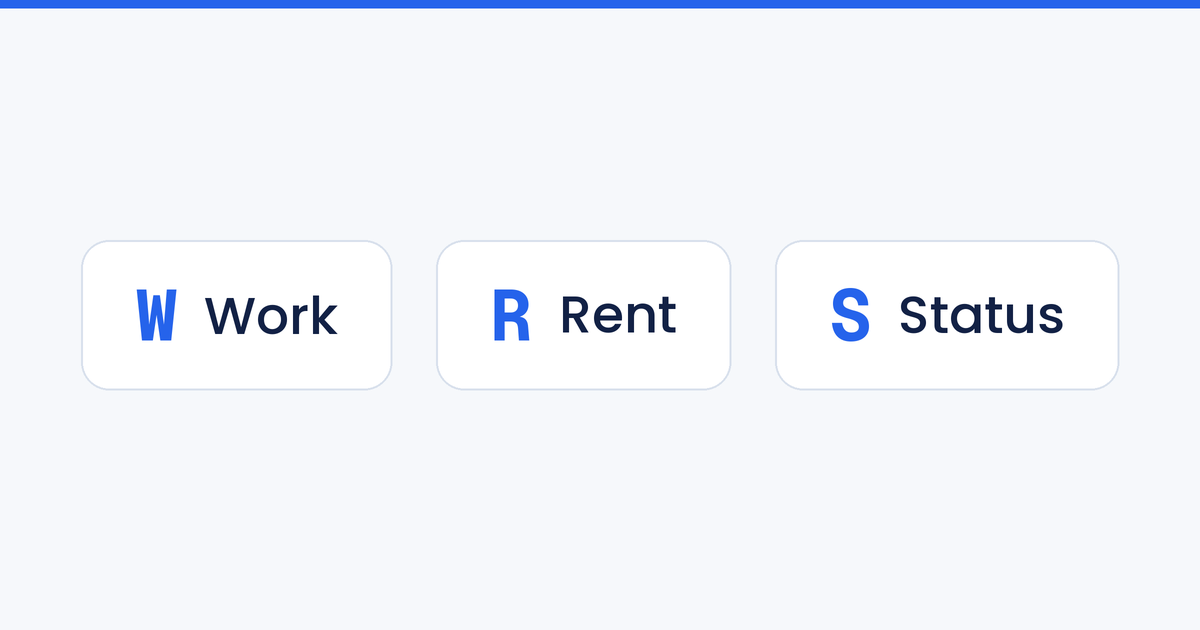
Not every UK share code does the same job. They're all nine-character codes generated from the same Home Office service, but each one is tied to a specific purpose — and the very first letter tells you which. A code that starts with W proves the right to work, R proves the right to rent, and S proves wider immigration status. Hand over the wrong type and the check will simply fail.
This guide breaks down all three UK share code types, what each prefix means, and how to make sure you're generating or checking the right one. If you're new to the system, our guide to UK Right to Work share codes is a good starting point.
A quick recap: what is a share code?
A share code is a unique, time-limited code generated by a non-British or non-Irish citizen from their UK Visas and Immigration (UKVI) account. Instead of handing over physical documents, they give the code (plus their date of birth) to whoever needs to confirm their status — an employer, a landlord, or a government service. The checker enters those details on the relevant GOV.UK page and sees a real-time result pulled straight from Home Office records.
Three things are true of every share code, whatever the prefix:
- It's nine characters long and free to generate.
- It's valid for 90 days and can be used multiple times in that window.
- It's purpose-specific — you must generate the right type for the check being done.
That last point is where the W, R and S prefixes come in.
Share code types at a glance
| Prefix | Type | Used to prove | Checked by | GOV.UK service |
|---|---|---|---|---|
| W | Right to Work | Permission to work in the UK and any job restrictions | Employers | View a job applicant's right to work |
| R | Right to Rent | Permission to rent a property (England only) | Landlords & letting agents | View a tenant's right to rent |
| S | Immigration Status | Broader immigration status for other purposes | Government bodies & services | View and prove immigration status |
W — Right to Work share codes
A code starting with W is the one employers ask for. It confirms whether a person is allowed to work in the UK, the types of work they can do, and — where the permission is time-limited — the date it expires.
Right to Work checks are a legal duty for every UK employer. For workers whose status is held digitally (eVisa holders, EU Settlement Scheme status holders, Skilled Worker and family visa holders, and anyone moved over from a Biometric Residence Permit), the online share code check is now the standard, compliant method. Getting it right matters: employers who hire someone without a valid check face civil penalties running into tens of thousands of pounds per worker.
An employer completes the check at the GOV.UK "view a job applicant's right to work" service using the W code and the applicant's date of birth. A code starting with R or S won't return a valid result on that page — it has to be a W code.
R — Right to Rent share codes
A code starting with R proves the right to rent a property. Landlords and letting agents use it to confirm a prospective tenant's immigration status before a tenancy begins.
One important detail: Right to Rent checks are only legally required in England. Scotland, Wales and Northern Ireland operate under different rules. As with employment, a landlord who fails to carry out a compliant check can face civil penalties, so it's worth confirming you've been given an actual R code rather than a work or status code that happens to be to hand.
The check is completed on the GOV.UK "view a tenant's right to rent" service with the R code and the tenant's date of birth.
S — Immigration Status share codes
A code starting with S is the most general of the three. It proves a person's immigration status for purposes that aren't specifically work or rent — think applying for benefits, opening a bank account, enrolling to study, accessing certain public services, or DVLA matters such as a driving licence application.
Because it's broader in scope, the S code is the catch-all option when someone needs to demonstrate their status to a body that isn't an employer or a landlord. It won't, however, pass an employer's Right to Work check or a landlord's Right to Rent check — those services expect a W or an R respectively.
Why the prefix matters (and the most common mistake)
The single most common share code problem is someone supplying the wrong type. A tenant sends an employer a W code; a new hire sends an R code; someone sends an S code for a job application. In every case the result is the same — the checking service rejects it, and the process stalls.
The codes are not interchangeable. Each one only reveals the information relevant to its purpose, which is exactly why the system separates them. If a code is rejected, the fix is almost always to ask the person to log back into their UKVI account and generate a fresh code, this time selecting the correct reason: work, rent, or something else.
How to generate the right share code
The person proving their status generates the code themselves, free of charge:
- Sign in to the UKVI account on the GOV.UK "view and prove your immigration status" service.
- When prompted, choose the correct reason — proving the right to work, proving the right to rent, or another reason (which produces an S status code).
- Share the resulting nine-character code, along with their date of birth, with whoever needs to check it.
Selecting the right reason at step 2 is what determines the prefix. British and Irish citizens don't generate share codes at all — they prove their status with a passport instead.
Checking a share code without the guesswork
Manually verifying a share code means visiting the correct GOV.UK page, entering the code and date of birth, reading the result, and recording it for your records — a few minutes per check, and easy to get wrong if a W, R or S code lands on the wrong service.
The UK Share Code API takes that friction away. Your team (or your applicants, through a user-facing verification form) submits the code, the API runs the check against the government in seconds, and the full set of details comes back instantly — including the option to filter out students or applicants who'd need sponsorship at the earliest stage. We've also written a step-by-step API integration guide to get you up and running.
Frequently asked questions
What does a share code starting with W mean? It's a Right to Work code, used by employers to confirm a person's permission to work in the UK and any restrictions on it.
What does a share code starting with R mean? It's a Right to Rent code, used by landlords and letting agents in England to confirm a tenant's right to rent a property.
What does a share code starting with S mean? It's an immigration status code for broader purposes such as benefits, banking, study or DVLA — anything that isn't specifically a work or rent check.
Can I use one share code for everything? No. Share codes are purpose-specific and can't be used interchangeably. You need to generate the correct type (W, R or S) for the check being carried out.
How long is a share code valid? All three types are valid for 90 days from generation and can be used multiple times within that period.
Are share codes free? Yes. Generating a share code through the official GOV.UK service is completely free, and you can create as many as you need.
Need to verify Right to Work, Right to Rent, or Immigration share codes at scale? Try the UK Share Code API for free or get in touch.